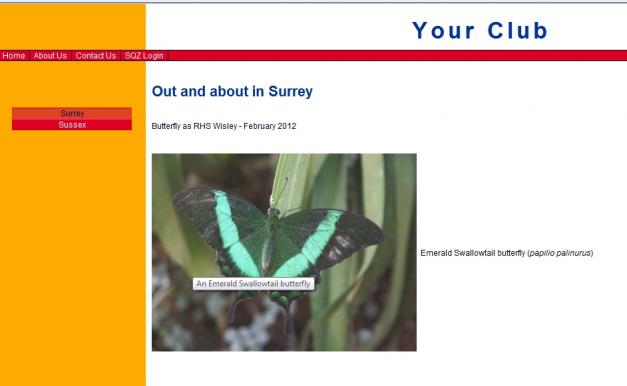


Hover text
Hover text or Alt text is the text that appears when your mouse hovers over an image.
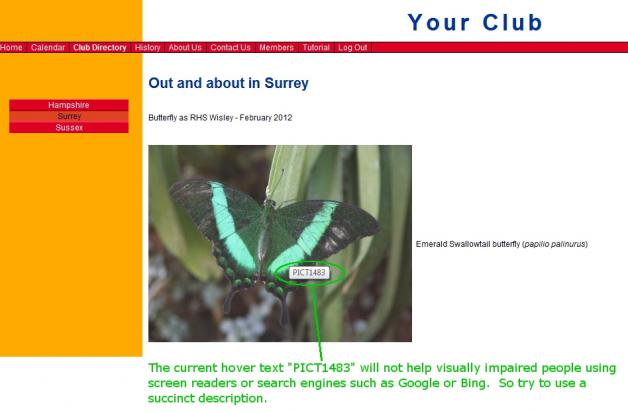
Don't overlook the value of this text, there are a large number of website users with sight limitations who rely on screen readers to read aloud the text that appears on the website. Whether an image is integral to your text or just extra information take a few moments to describe it concisely.
Whether you are identifying club members, the 2009 beer festival or the name of a rose:



It's worth bearing in mind that Google and the other search engines are effectively blind, so the description helps them improve the indexing of information on your page.
Editing hover / Alt text
Select the image. The Control Panel will change slightly and you will see:

Click in the Title field, update the text

When you are happy click on Apply.
Don't forget to Save your changes.
The new text will now appear when you hover over the image. Don't forget to publish the page.